When Every Answer Lives in a Different App
A technician gets a call from a client. "Our backups — are they running?" Simple question. Should take ten seconds to answer.
Instead, the technician opens the backup monitoring tool. Logs in. Finds the client. Checks the status. Then the client asks about their servers. Different tool. Different login. Different search. Then they want to know about open support tickets. That's a third app. Then patching compliance — a fourth. By the time the technician has a complete picture of one client's health, they've touched four platforms, context-switched half a dozen times, and burned fifteen minutes on a question that should have been a glance at a screen.
Now multiply that by thirty clients. Every morning.
The Ten-Tool Tax
This was the reality for a managed service provider we worked with. They were running a solid operation — good people, good processes, genuine expertise — but their tooling had grown organically over years into a sprawl that was quietly eating their margins.
Service desk tickets lived in one system. Backup monitoring in another. Server and cloud infrastructure in a third. Uptime and performance monitoring in a fourth. Azure compliance data in a fifth. Billing and costing in spreadsheets that got emailed around. And the reporting layer that was supposed to tie it all together? A collection of PowerBI dashboards that someone had to manually refresh, and that were stale by the time anyone looked at them.
According to Auvik's 2025 research, nearly half of all MSPs rely on ten or more different tools to manage their client networks. That's not a technology problem. That's an information architecture problem. The data exists — it's just scattered across so many surfaces that assembling a coherent picture requires a human to manually stitch it together. Every time.
The team knew this was unsustainable. They'd tried consolidating before — swapping one tool for another, building better spreadsheets, hiring someone whose entire job was pulling reports. None of it stuck, because the fundamental issue wasn't any individual tool. It was the gaps between all of them.
One Dashboard, Seven Integrations
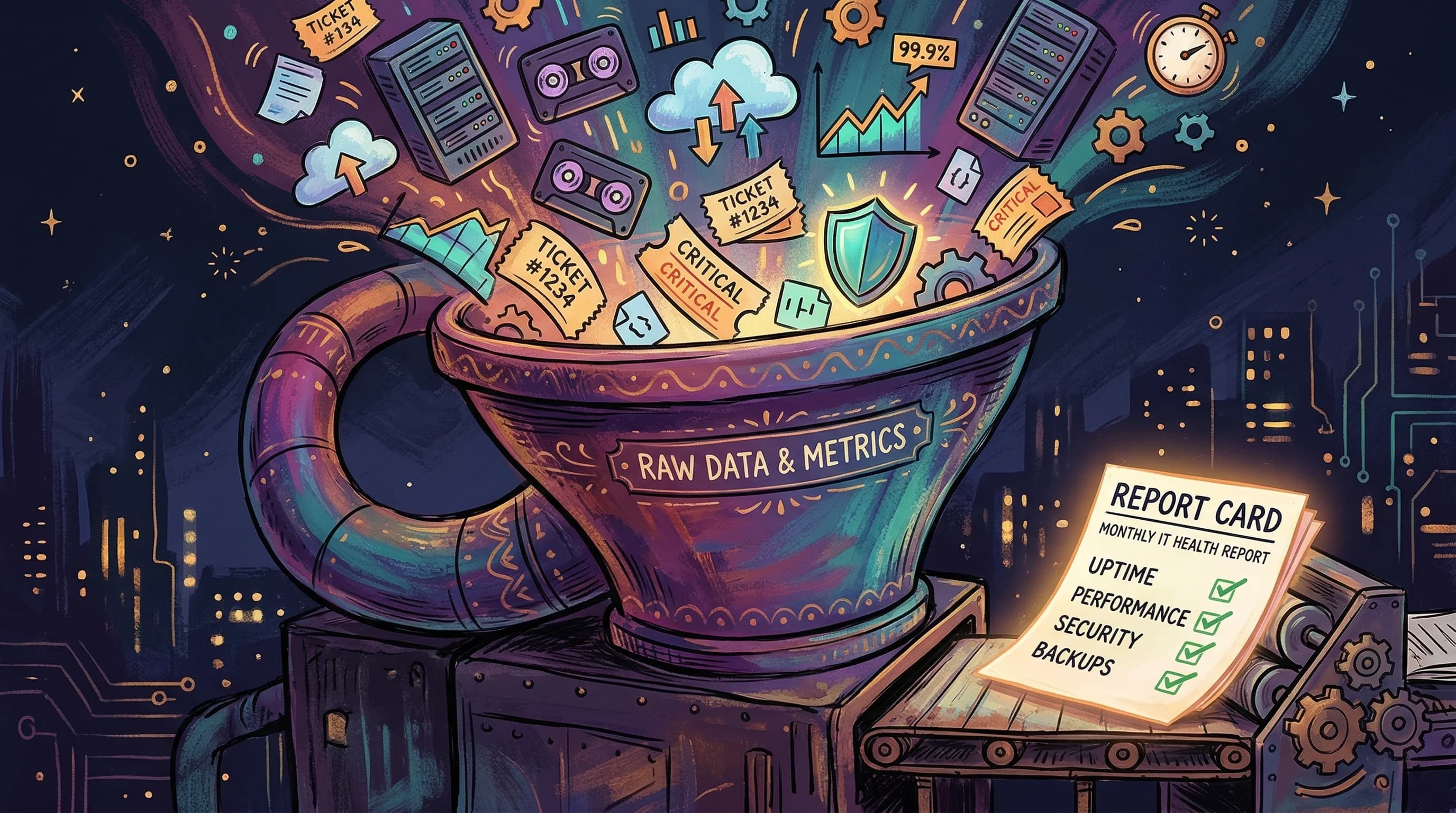
We built a platform that pulls data from every monitoring and management tool the MSP uses, normalises it, and presents it in a single unified dashboard. No more tab-switching. No more manual exports. No more "let me check the other system."
The platform integrates with their service desk for ticket tracking and SLA monitoring. Their backup tool for job status and failure detection. Azure for cloud resource inventory, backup vault health, policy compliance, and patch status. Their uptime monitoring service for response times and availability percentages. And their billing data — previously trapped in emailed Excel files — gets uploaded once and broken down automatically with markup calculations and monthly trend analysis.
Every integration feeds into the same database, partitioned by client. When a technician opens the dashboard, they see one client's complete health picture on one screen. When a manager needs a portfolio view across all clients, that's one click away. The data is current — collected automatically on a configurable schedule — not stale from last week's manual refresh.
The Pipeline That Runs Itself
The reporting problem was never really about dashboards. It was about the data behind them. A dashboard is only as useful as the freshness and completeness of what it displays, and when that depends on someone remembering to run an export, the whole system is one sick day away from going dark.
We built an automated data collection pipeline that runs inside the platform. It cycles through every client, checks which integrations are enabled for that client, and pulls the latest data from each source. The schedule is configurable — every six, twelve, twenty-four, or forty-eight hours depending on the team's needs. The default is a daily sweep at 5 AM, so the dashboard is fresh before anyone starts their morning.
The pipeline is smart about what it collects. A first run or a client with stale data triggers a deeper historical backfill — sixty days of lookback to establish a baseline. Subsequent runs pull a narrower window incrementally. Every record is upserted, meaning reruns are safe and idempotent. If something fails partway through — and with seven external APIs, something eventually will — the pipeline catches the error for that specific integration and moves on to the next. No single failure takes down the whole collection run.
Auvik's 2025 IT Trends Report found that 44% of MSPs cited a lack of real-time visibility as a major barrier to effective network monitoring. That stat resonated deeply here. The team didn't lack data. They lacked data that was current, consolidated, and available without manual effort.
Multi-Tenant by Design
An MSP's data model is inherently multi-tenant. Every client is a separate entity with separate credentials, separate infrastructure, and separate compliance requirements. Getting this wrong doesn't just create a messy database — it creates a security incident.
We designed multi-tenancy into the foundation, not as an afterthought. Every data table is partitioned by a client identifier. Every API request is scoped to the authenticated user's organisation. Staff members who need to view a different client's data can switch context through a controlled mechanism without re-authenticating, but the boundaries are enforced at the data layer, not just the UI.
Integration credentials — the API keys and secrets needed to pull data from each client's tools — are encrypted at rest using AES encryption, stored per client, and never exposed to the frontend. The entire backend sits behind a private network boundary. The browser never communicates with the backend directly — all traffic routes through a server-side proxy within the virtual network. This isn't security theatre. It's the architecture that lets an MSP confidently store credentials for dozens of clients without losing sleep.
Ask the Dashboard a Question
The feature that got the most visceral reaction from the team was the simplest to explain and the hardest to build: natural language queries against their operational data.
Instead of filtering tables and building report views, a staff member can type "which clients had backup failures in the last seven days?" and get an answer. The system uses a language model connected to the operational database — with automatic company-scoping so queries can only access data the user is authorised to see. It understands the schema, translates the question into a database query, executes it, and returns the results in plain language.
This isn't a gimmick bolted on for demo appeal. It fundamentally changes how non-technical staff interact with operational data. The office manager who needs a quick answer for a client call doesn't need to learn a dashboard's filter system or ask a technician to run a report. They just ask.
By the Numbers
The platform replaces what would otherwise require dedicated operational roles to maintain manually:
- An IT reporting analyst / data analyst (~$95,000 AUD/year, SEEK 2025) — the person who would otherwise spend their days pulling data from each monitoring tool, compiling it into spreadsheets, maintaining PowerBI dashboards, and generating weekly and monthly client reports
- An IT operations analyst (~$90,000 AUD/year, SEEK 2025) — the person who would manually check backup statuses each morning, monitor uptime across client portfolios, track Azure compliance and patching, and chase down failures across multiple portals
- A systems administrator (partial, ~0.5 FTE) (~$50,000 AUD/year of a $100,000 role, SEEK 2025) — the portion of a sysadmin's time consumed by manual monitoring checks and report preparation rather than actual infrastructure work
That's $235,000 in annual operational savings — recurring costs the business no longer needs to carry for these functions. The global MSP market grew approximately 13% in 2025 according to Canalys and Datto research, and at that growth rate, the alternative to automation isn't "hire one person" — it's "hire one person now and another one next year."
The build itself — a FastAPI backend with fourteen database models, seven automated data collectors, eleven API route groups, a Next.js frontend with per-integration dashboards, an AI chat interface, a full admin portal, and CI/CD pipelines for containerised Azure deployment — would have taken a traditional development team roughly 500 hours to deliver.
The Pattern Worth Noticing
Every MSP we've spoken to has some version of this problem. The tools are fine individually. The backup tool works. The service desk works. The monitoring platform works. What doesn't work is the space between them — the manual effort required to synthesise what each tool knows into a coherent picture of operational health.
That synthesis work is invisible. It doesn't show up as a line item. Nobody budgets for "the hour a technician spends each morning opening seven tabs." But it compounds. Across a team, across a week, across a year, it becomes one of the largest hidden costs in the business.
The most valuable thing we built here wasn't any individual dashboard or any single integration. It was the elimination of the daily ritual of stitching answers together from ten different places. When the answer to every question lives in the same system, you stop spending your time finding information and start spending it acting on it.